
Accessibility Inspector
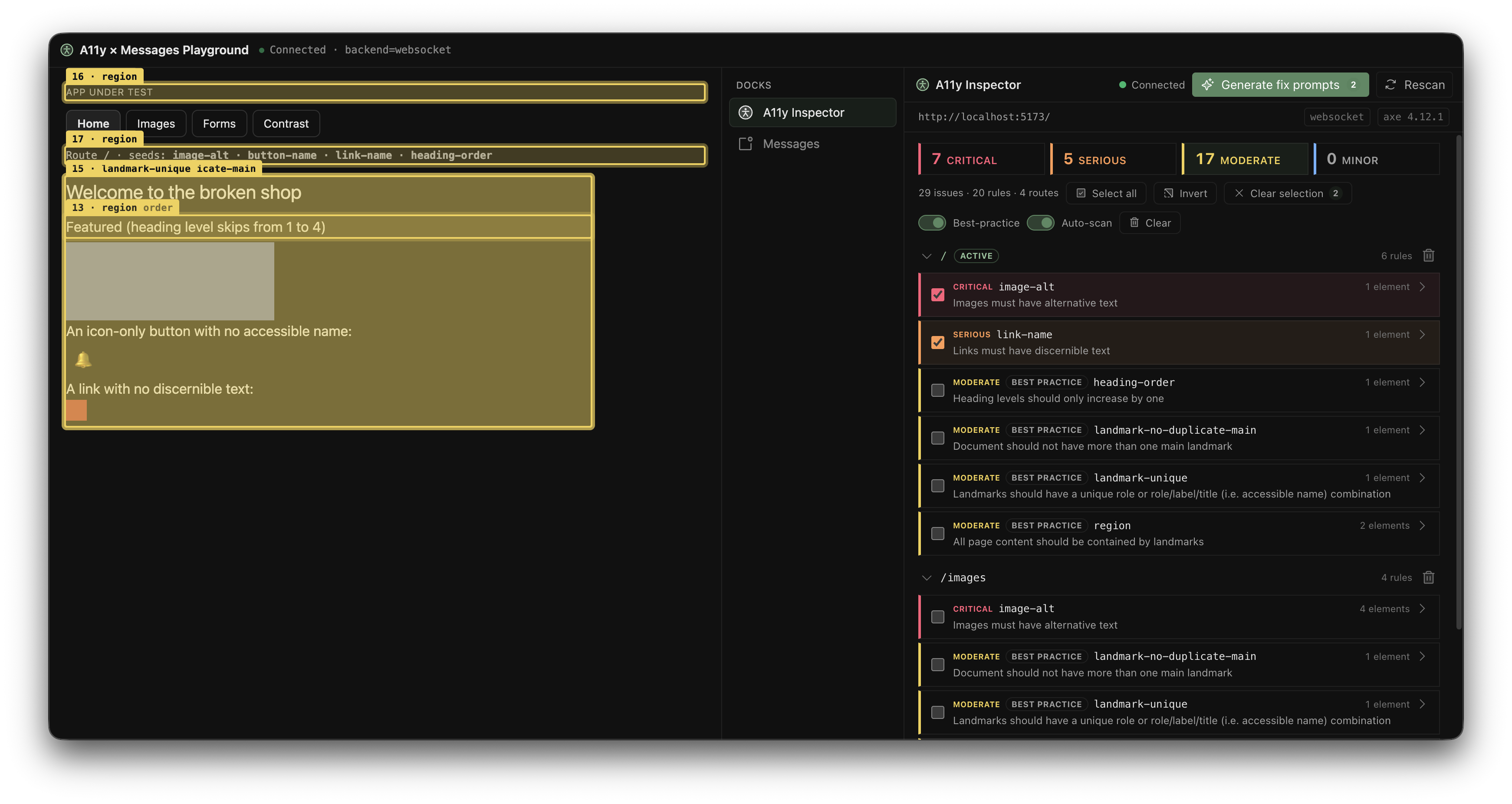
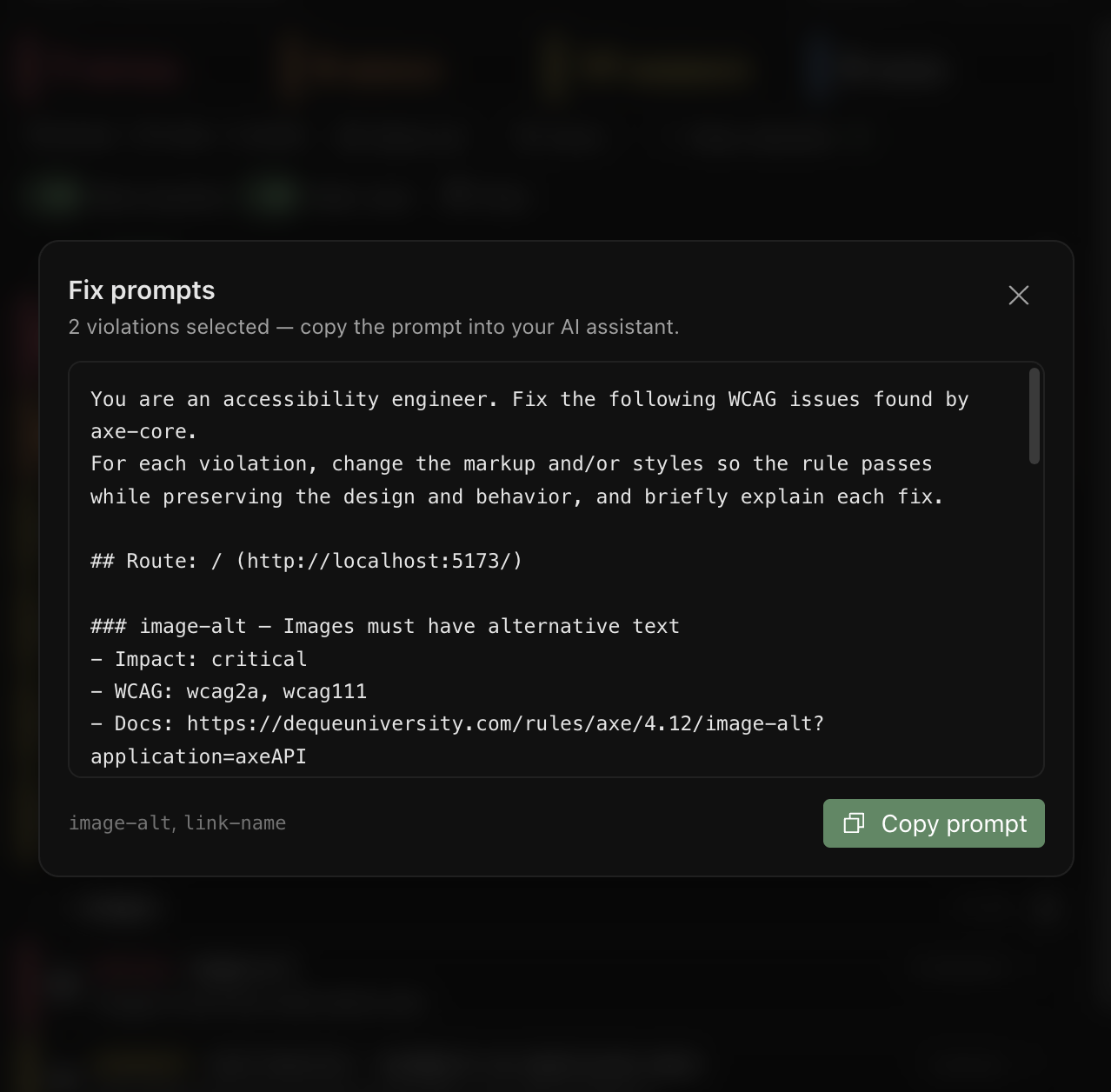
An accessibility inspector that runs axe-core against a host application, lists the WCAG A/AA violations in a Solid panel, and highlights the offending element in the page when you hover a warning.
Package: @devframes/plugin-a11y · framework: Solid + Vite
What it does
The plugin is three pieces, two of them browser-side:
| Piece | Runs in | Role |
|---|---|---|
| Agent | the host app's page | runs axe-core, broadcasts the report, draws the highlight ring |
| Panel | the devtools iframe | the Solid SPA: lists violations, fires highlight / clear on hover |
| Node | the devframe backend | the get-config RPC (impact taxonomy) — live in dev, baked in a static build |
The agent and panel talk over a same-origin BroadcastChannel rather than the RPC backend, so the scan-and-highlight loop works identically whether the plugin runs as a live dev server or as a baked static build. Devframe deliberately provides no access to the host application's DOM, so the agent is the author-provided bridge: load one module script in the page you want to check and it scans, reports, and highlights on demand.
In a hub
The agent is the a11y dock's client script: attach the exported a11yAgentBundlePath as the dock's clientScript and the hub's client host imports it into the host page, calling its default export with the client-script context. Booted that way, the agent also mirrors each scan into the hub's messages feed — a summary entry driven through the loading → idle lifecycle, plus one entry per violated rule carrying the impact-mapped level, WCAG tags as labels, and the offending element's selector and bounding box:
import a11yDevframe, { a11yAgentBundlePath } from '@devframes/plugin-a11y'

await mountDevframe(ctx, a11yDevframe, {
  dock: { clientScript: { importFrom: `/@fs/${a11yAgentBundlePath}` } },
})
Outside a hub, one <script type="module"> for the same bundle boots the agent standalone — the scan loop is identical, with the feed mirror simply absent.
Standalone
pnpx @devframes/plugin-a11yRuns the panel alone, without a host page to scan — serves at /__devframes_plugin_a11y/ even standalone, so the mount path matches the hosted case. Useful for a quick look at the panel UI; pair it with a manually-loaded agent script to drive it against a real page.
Mount into a Vite host
// vite.config.ts
import { a11yVitePlugin } from '@devframes/plugin-a11y/vite'
import { defineConfig } from 'vite'

export default defineConfig({
  plugins: [
    a11yVitePlugin(),
  ],
})
Programmatic
createA11yDevframe(options) returns a definition you can deploy through any adapter:
import { createA11yDevframe } from '@devframes/plugin-a11y'

export default createA11yDevframe({
  port: 9899,
})
RPC surface
All functions are namespaced devframes:plugin:a11y:*:
| Function | Type | Returns |
|---|---|---|
get-config | static | The impact taxonomy (with developer-facing copy) and the BroadcastChannel coordinates the panel uses to find its injected agent. |
Run the demo
The Accessibility Inspector lives in the repository as a reference plugin. Its demo serves an intentionally-broken host page and the panel from one origin so they share the channel:
pnpm -C plugins/a11y build       # build the panel + the agent bundle
pnpm -C plugins/a11y demo        # dev: live WebSocket RPC
pnpm -C plugins/a11y cli:build   # bake the static deploy (dist/static)
pnpm -C plugins/a11y demo:build  # static: baked RPC dump, no server
Open the printed URL, then hover any row in the panel — the matching element in the page gets a focus ring and scrolls into view if it is off-screen. Both demo modes behave identically; the panel's websocket / static tag is the only tell.